
- Navigate to Ad Providers
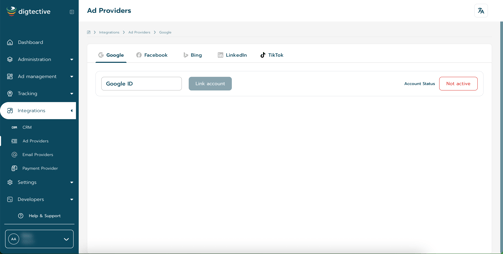 :
: - At the field "Google ID" you insert your Google ID and Link account to save this Action.
You have successfuly setup Google.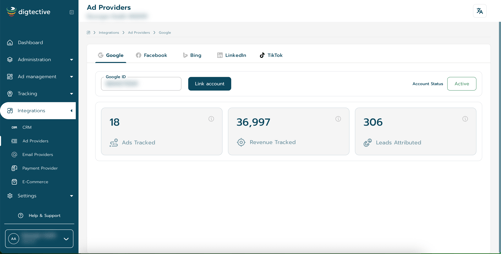
Step 1: Open Ad Provider Integrations
Navigate to Integrations > Ad Providers from your dashboard.
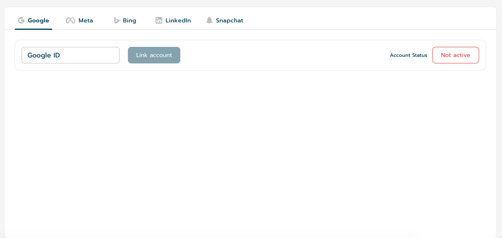
Step 2: Add Your Google Ads Customer ID
Locate the Google section and paste your Google Ads Customer ID into the provided field.
Step 3: Link Your Account
Click the Link Account button to begin the connection process.
Step 4: Approve the Connection
Approve the connection request either:
- From the confirmation email sent to you,
or - Directly from your Google Ads account notifications.
Step 5: Sync URL Suffixes
After the account is successfully connected, click Sync URL Suffix.
This action will automatically apply the required final URL suffixes to your currently active ads and campaigns.