![Type=Opposite, State=Logo With Icon, Size=Large-1.png]](https://knowledge.digtective.com/hs-fs/hubfs/Type=Opposite%2c%20State=Logo%20With%20Icon%2c%20Size=Large-1.png?height=40&name=Type=Opposite%2c%20State=Logo%20With%20Icon%2c%20Size=Large-1.png)
Step 1: Go to the Meta Tab
From the left-side navigation bar, go to Ad Providers and select the Meta tab.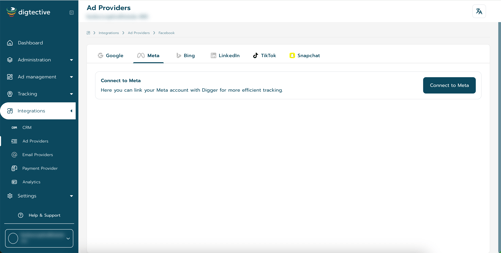
Step 2: Click “Connect to Meta”
Step 3: Authorize Access
Step 4: Select Your Ad Account
After being redirected back to Digger, you’ll need to:
-
Select your Meta Ad Account from the dropdown list.
-
Click Save to confirm your connection.
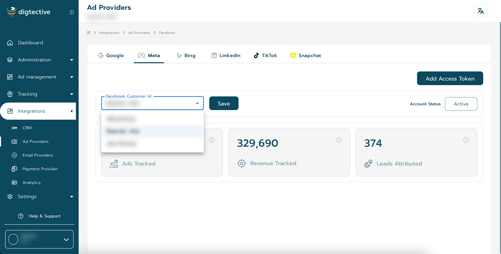
You’re all set!
Your Meta account is now connected, and Digger will begin syncing your ad data automatically.